[Case 01]
Creating a user friendly and frictionless digial experience
Food & Culture
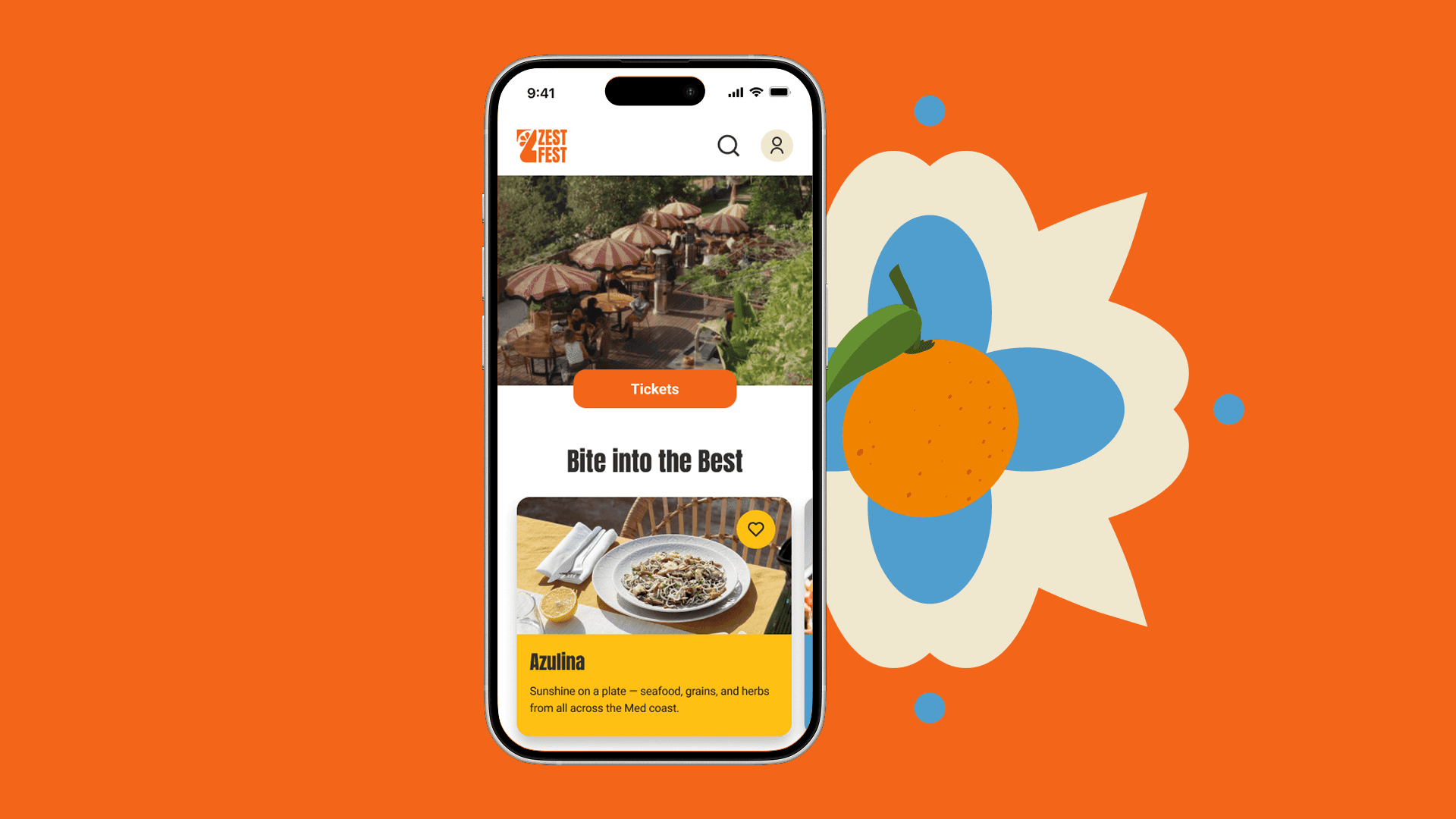
Zest Fest - Gastronomy Festival
An experience for digitaly-savey festival-goers
[Project Overview]
Multi-day festival combining food and cultural experiences. The project involved designing the end-to-end experience, from the overall concept and brand identity to the UX and UI of its digital touchpoints.
[Problem Statement]
Festival-goers in Portugal lack a seamless and informative digital experience when attending gastronomy events. Current websites provide only basic details and ticketing, while poor usability and glitches make it difficult to access clear information, explore food options in advance, and enjoy a smooth on-site experience.
Visitors want more than tickets - they seek transparency, oder, and engaging experiences that reduce stress, noise and waiting times.
[Industry]
Food & Culture
[My role]
Team project, end-to-end design
[Platforms]
Desktop and Android
[Timeline]
March 2025 - June 2025
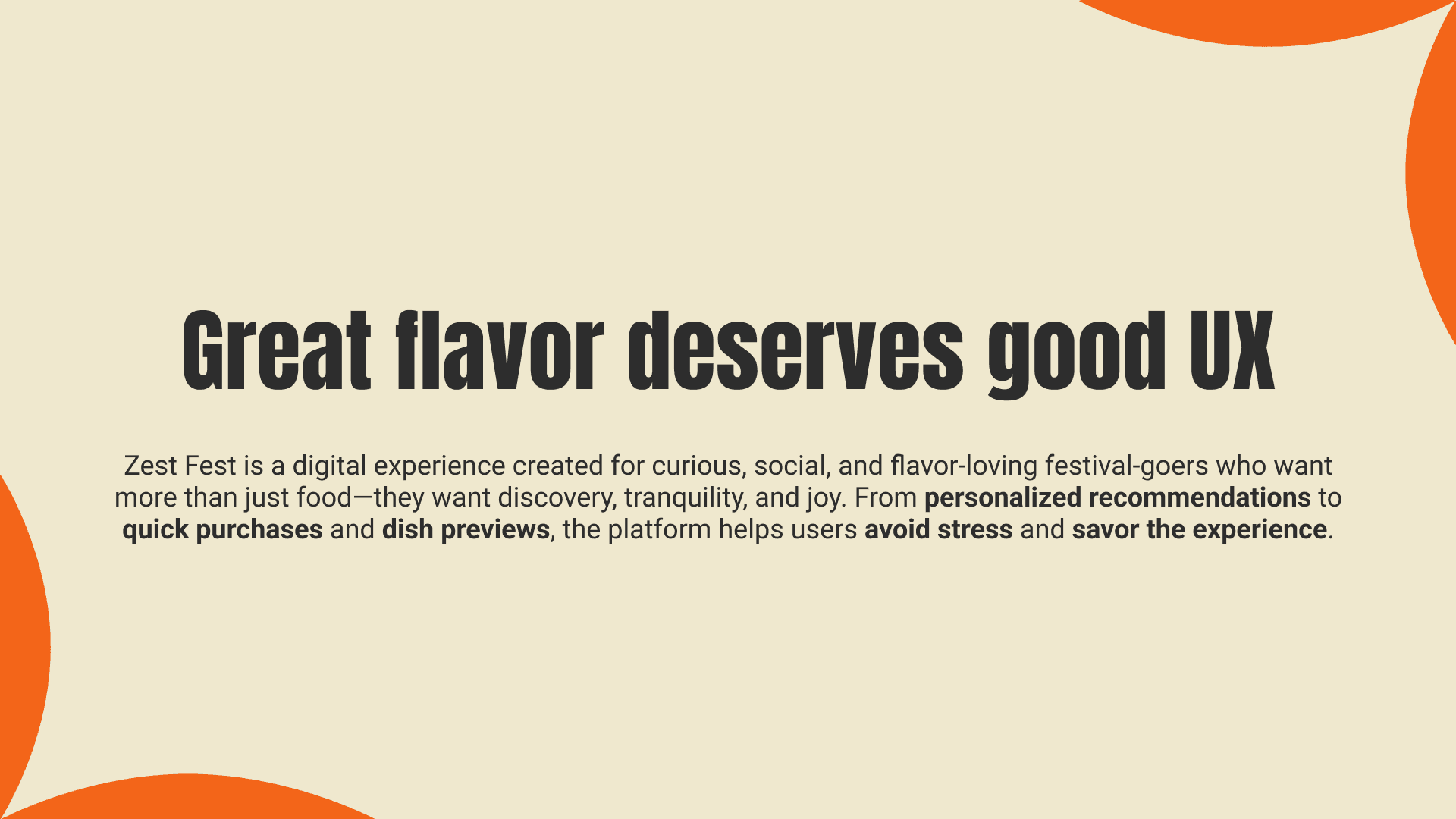
[Design Poposal]
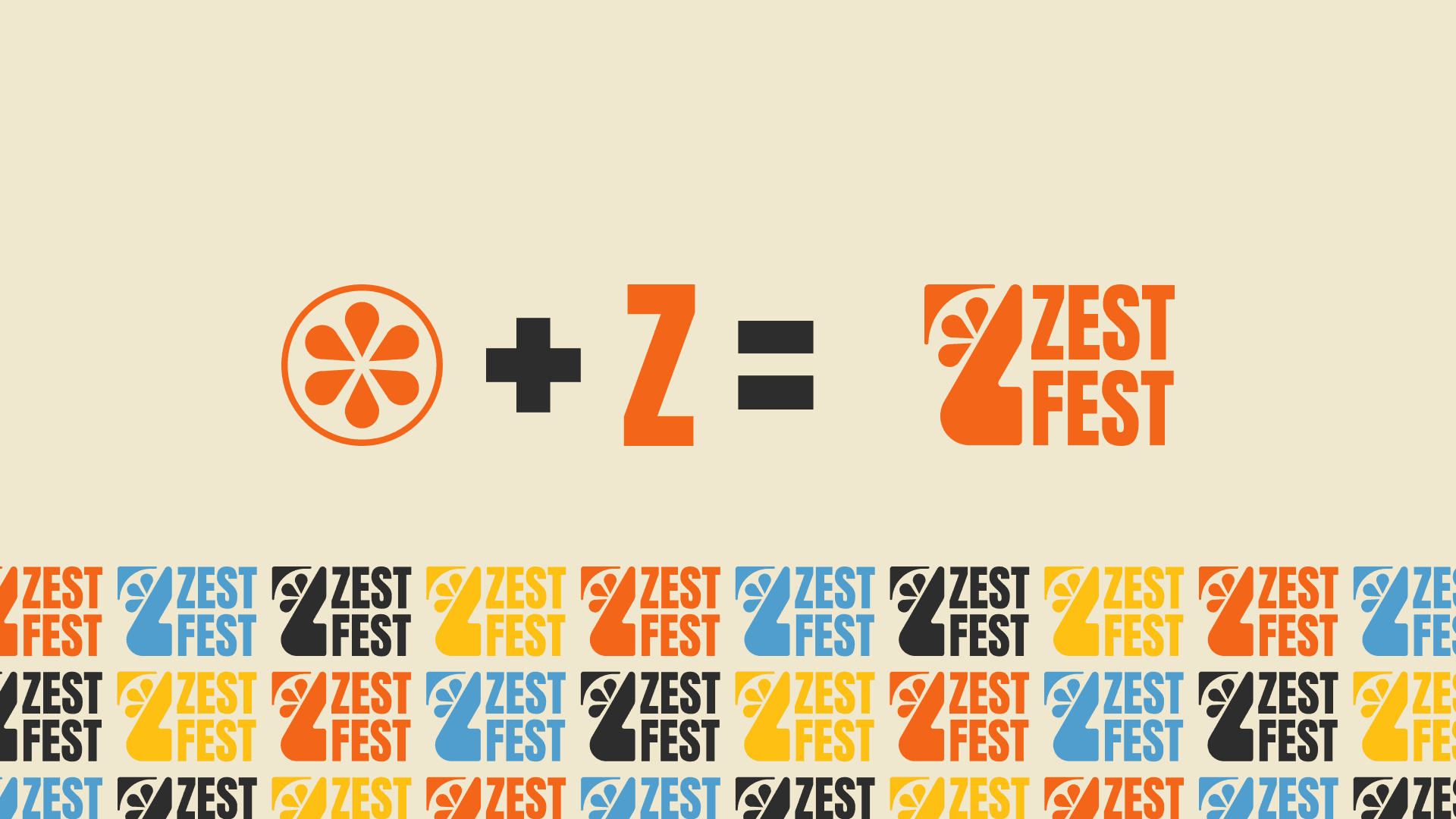
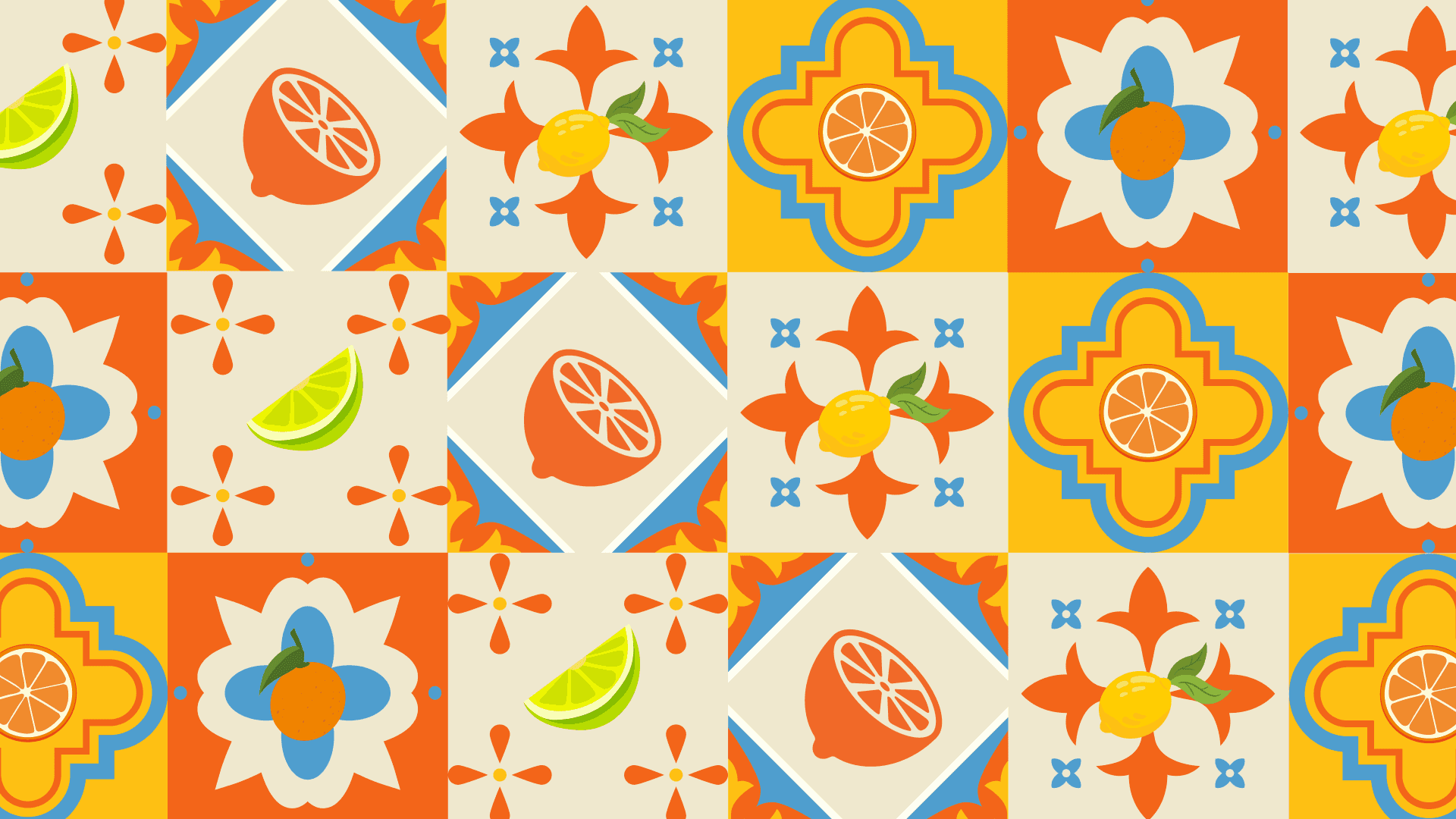
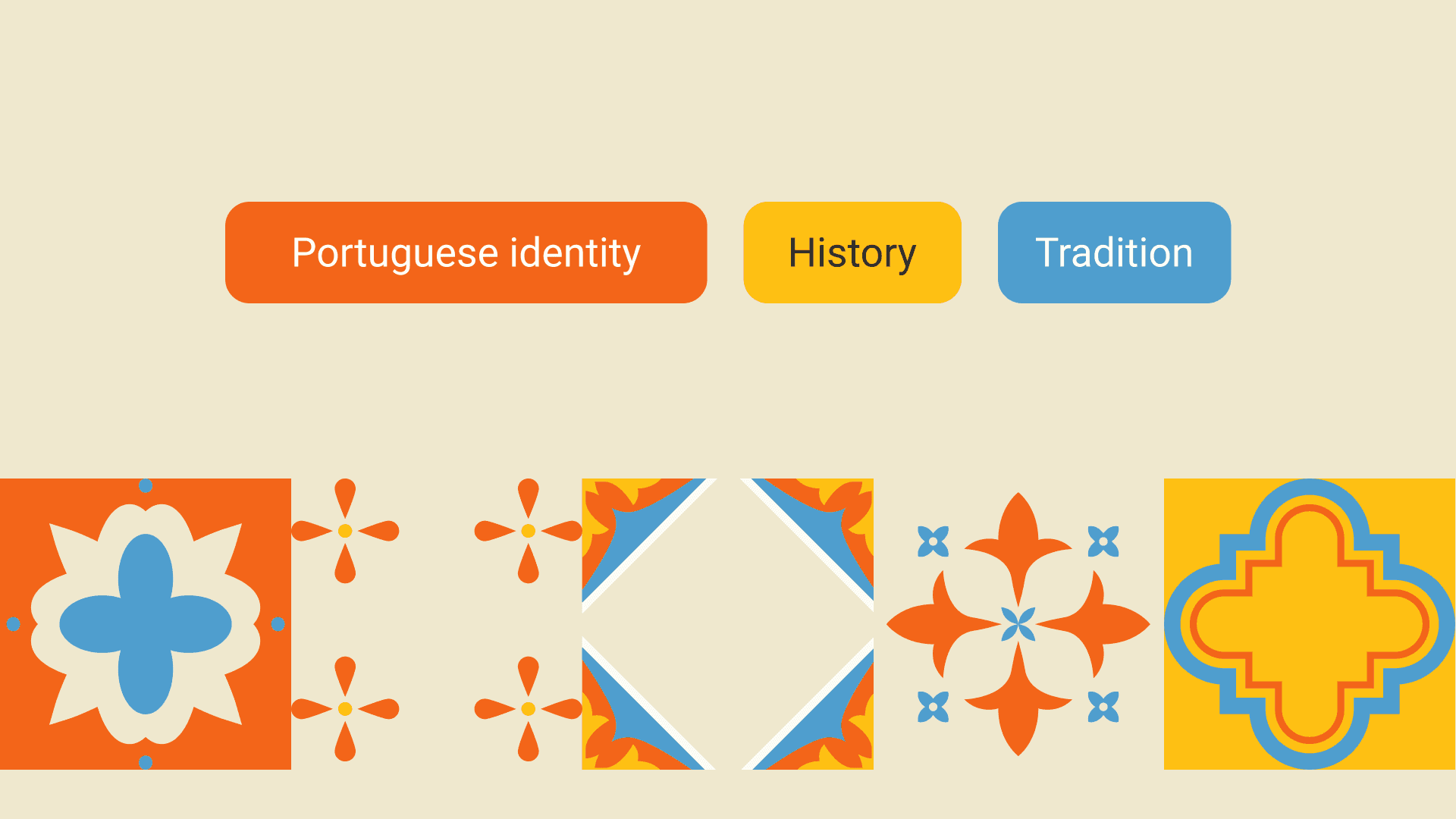
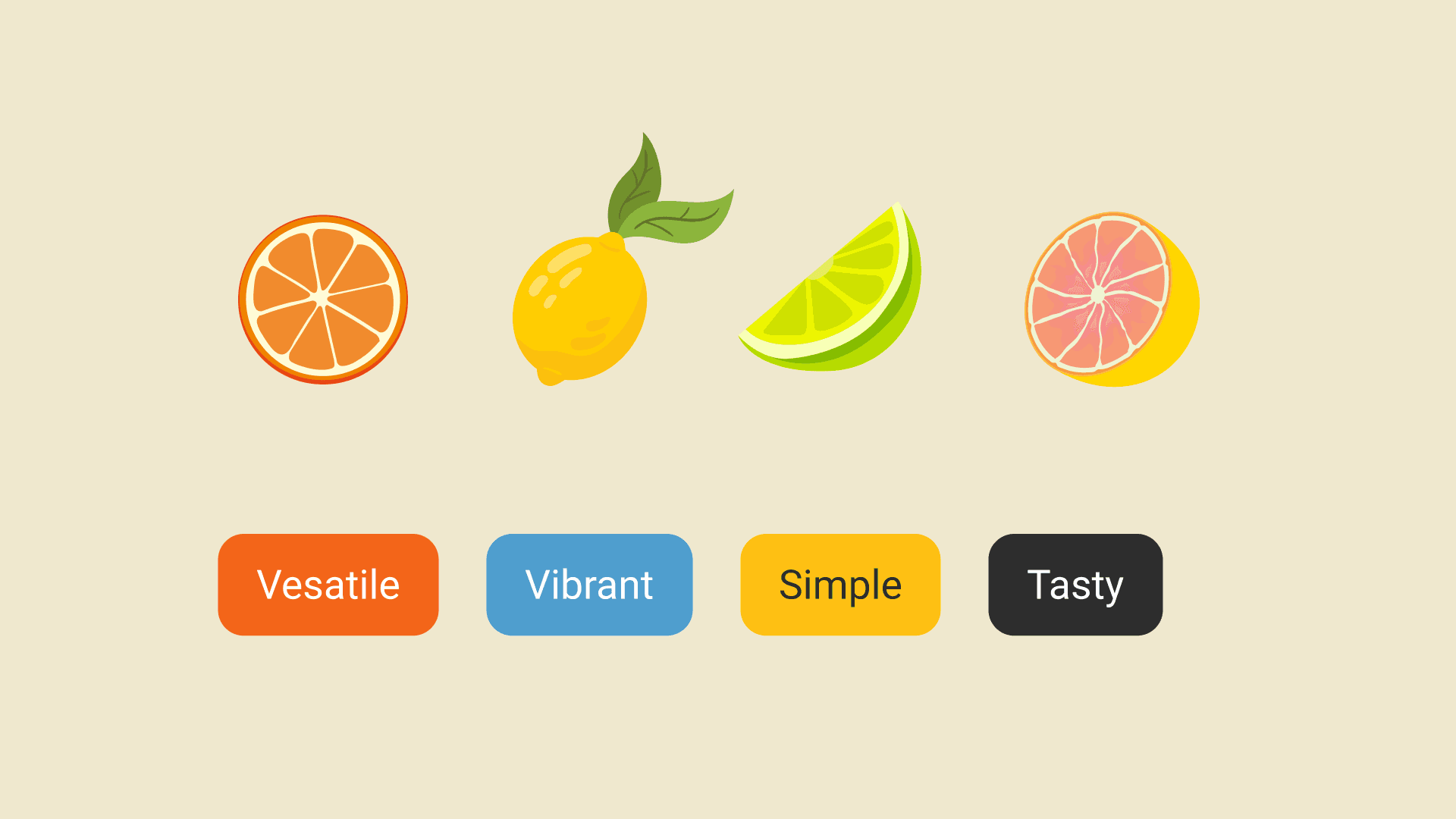
Visual Design
[Persona]

Maria Costa
Social Media Manager
“I like to enjoy good food with friends and have memorable experiences”
Age: 27
Location: Porto, Portugal
Tech Proficiency: Professional
Gender: Female
[Goal]
Wants to find originality and diversity in every event she goes to.
Wants to have a nice, happy day, full of socialising with friends, good food and drinks.
Likes to learn new things (workshops, new cultures).
[Frustrations]
Can’t find enough information about an event.
Wants to know the concept of each restaurant/stand before hand.
Buys everything online, but needs clear information and confirmation of her purchase.
[Process]
[01] User Research
Conducted user interviews with 21 participants to understand their frustrations and preferences.
Desk research to understand user behaviors regarding digital tools in their daily lives related to food and eating out.
Conducted competitive and indirect competitive analysis, such as TheFork to identify behavioral patterns, feature gaps, and differentiation opportunities within the digital dining ecosystem.
[02] Insights
The digital journey for food festivals is fragmented and unreliable, despite users being digitally driven in food discovery.
Festival websites focus on transactions, while users prioritize experience and atmosphere.
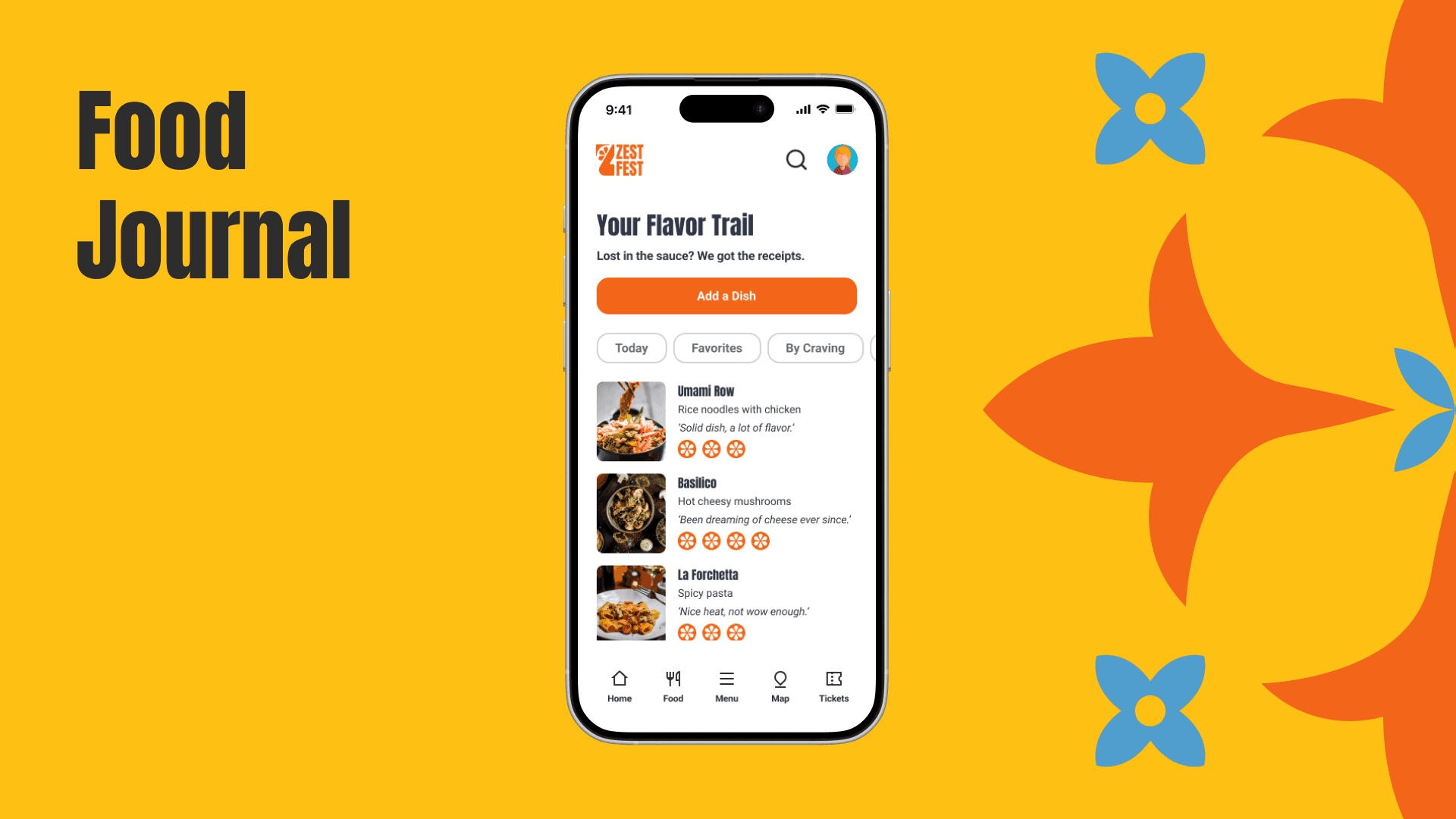
Users experience excitement and curiosity during festivals, yet this momentum fades because there is no mechanism to revisit or act on their discoveries afterward.
[03 Design Solution]
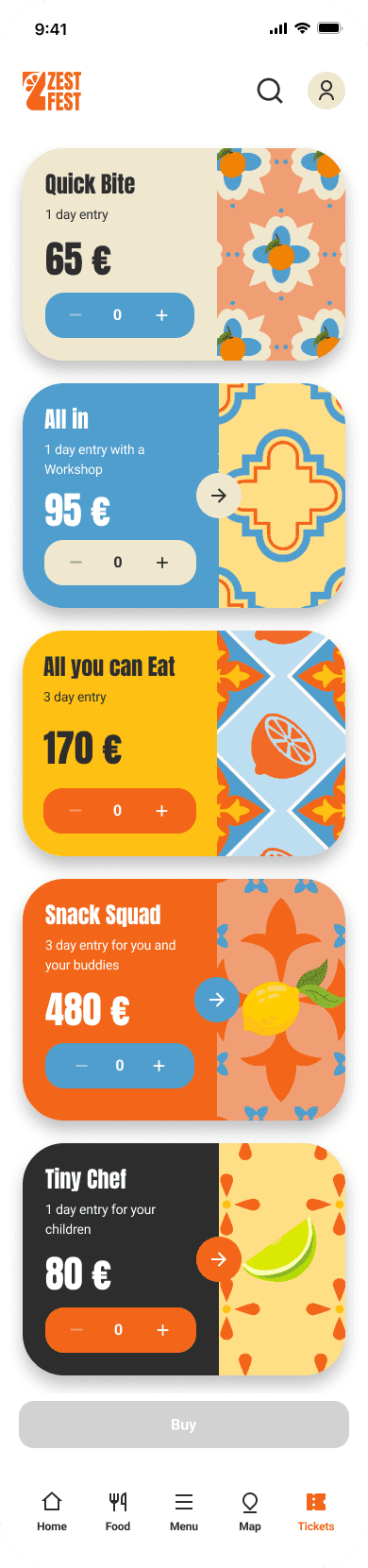
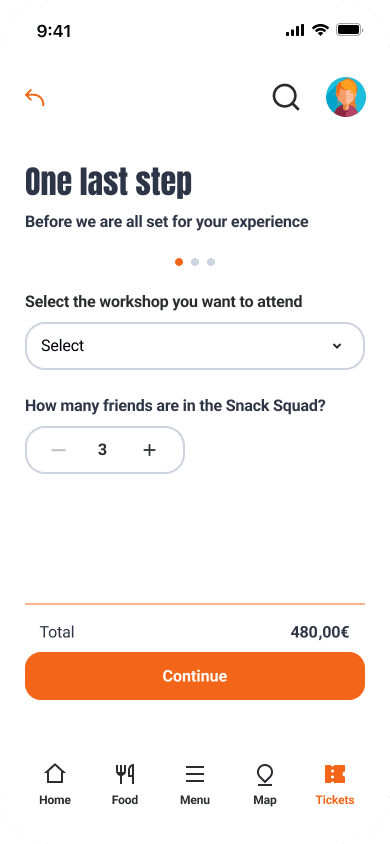
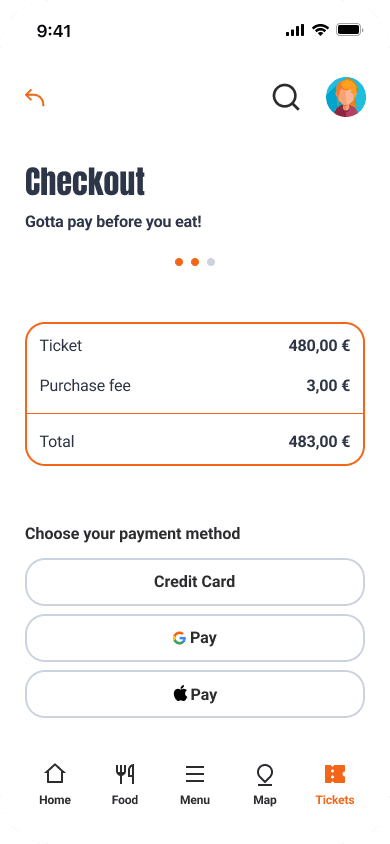
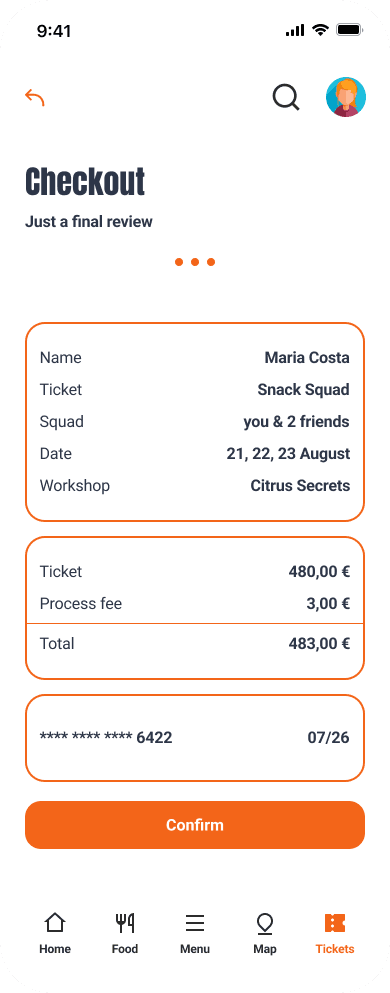
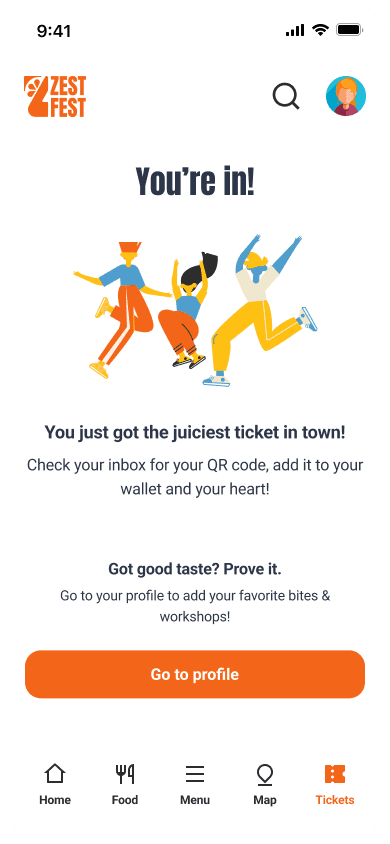
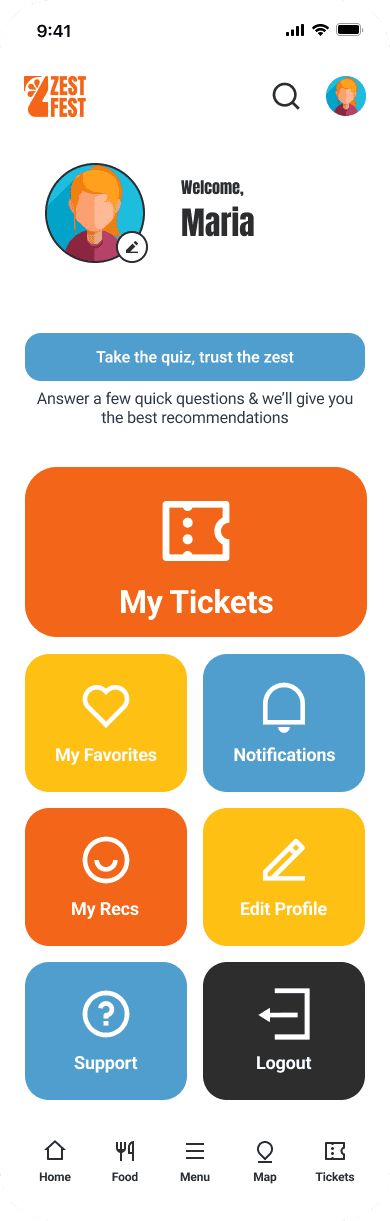
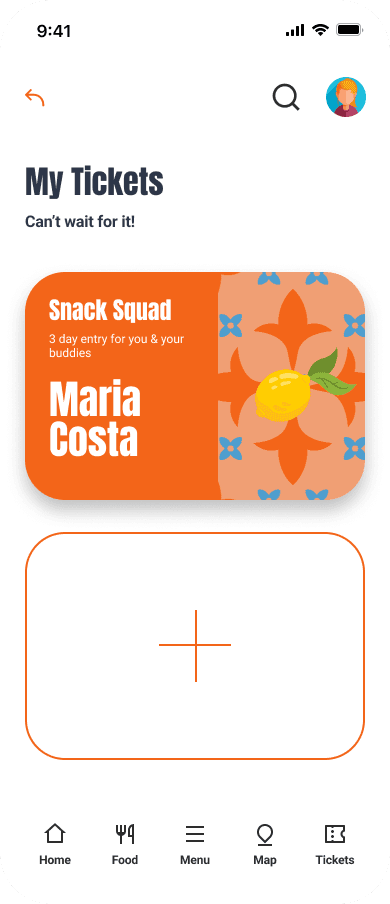
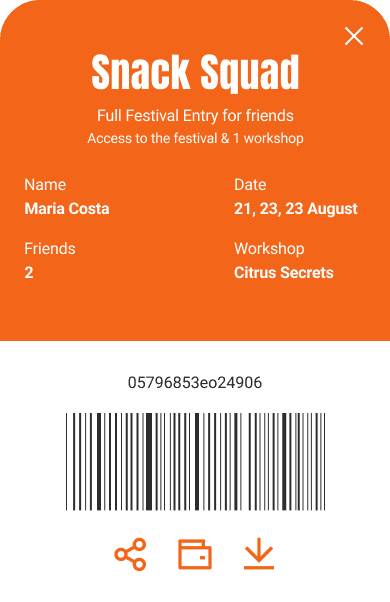
Simplified the checkout process into three steps and a ticket acessible in the profile.
Rather than designing a standalone festival website, the opportunity evolved into a mobile-first ecosystem that embeds food festivals into users’ existing discovery habits — transforming episodic events into continuous engagement.
A mobile platform allowing users to save restaurants and explore them later in the city context.
[04] Testing & Iteration
Gathered feedback through usability testing and refined the design based on user input.
Iterated varius ticket UIs because the tested users had difficulties complete the purchase flow.
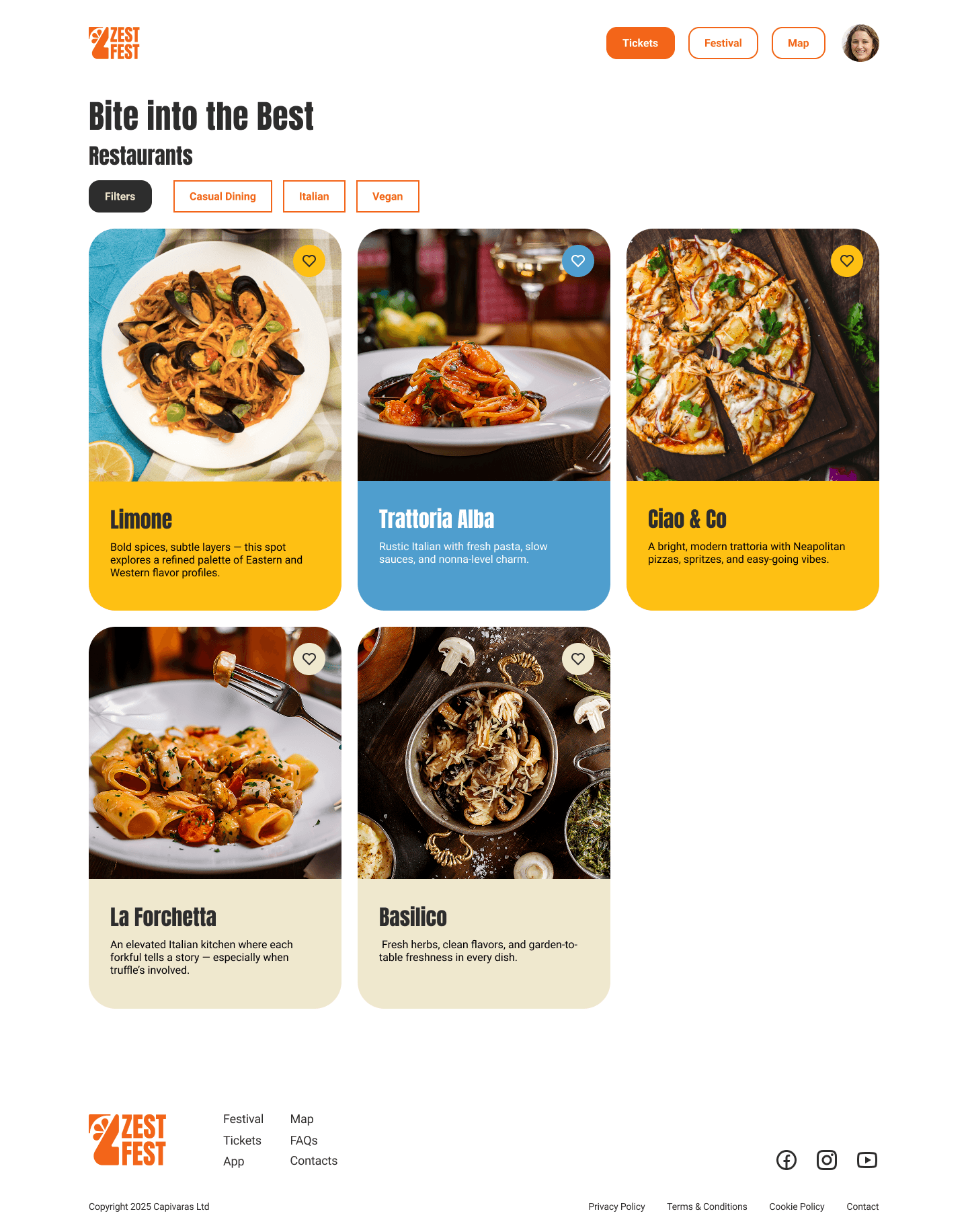
Iterated varius website restaurant preview feature components and color palette to meet accessibile design principles and 'good practices'.
[Flows]
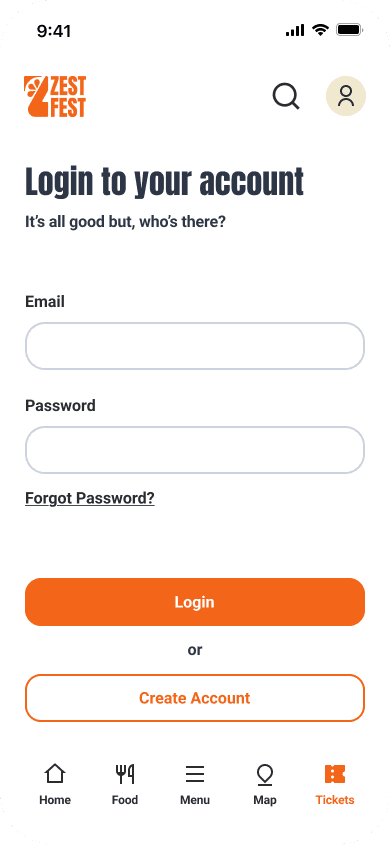
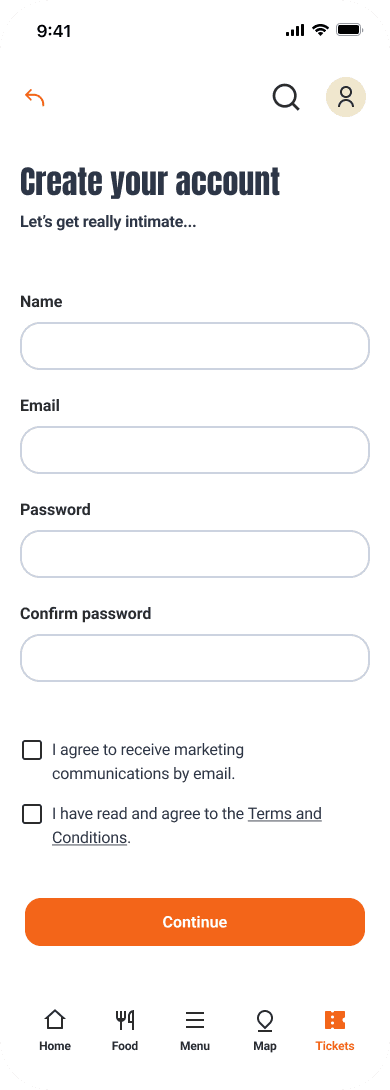
[01] Mobile - Ticket Checkout Process: Home > Tickets > Choose Snack Squad > Buy > Login > Create Account > Ticket Purshase - step 1 > Ticket Purshase - step 2 > Ticket Purshase - step 3 > Ticket Purchase Confirmation > Profile Account page > My tickets > Ticket in account (download/save to wallet/share)
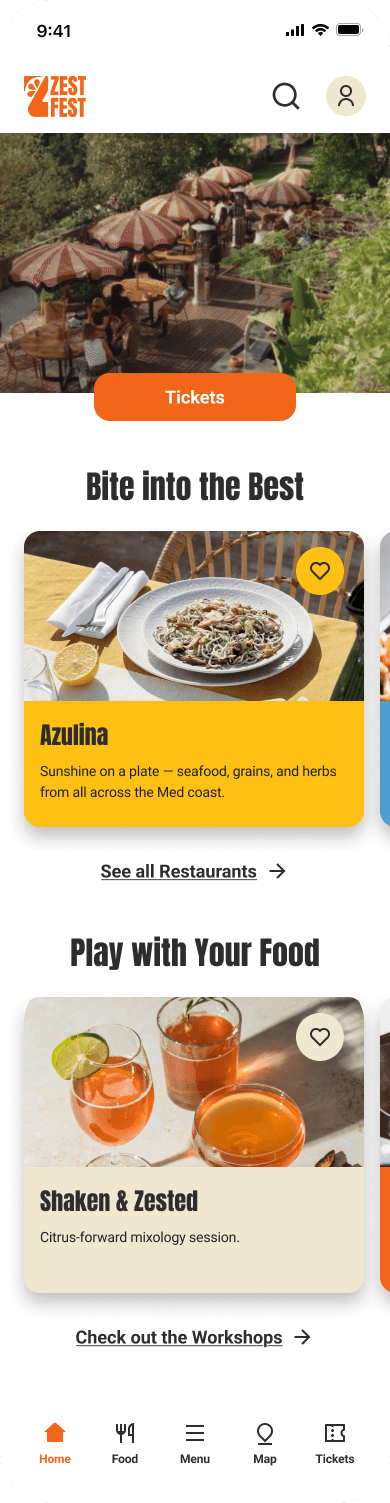
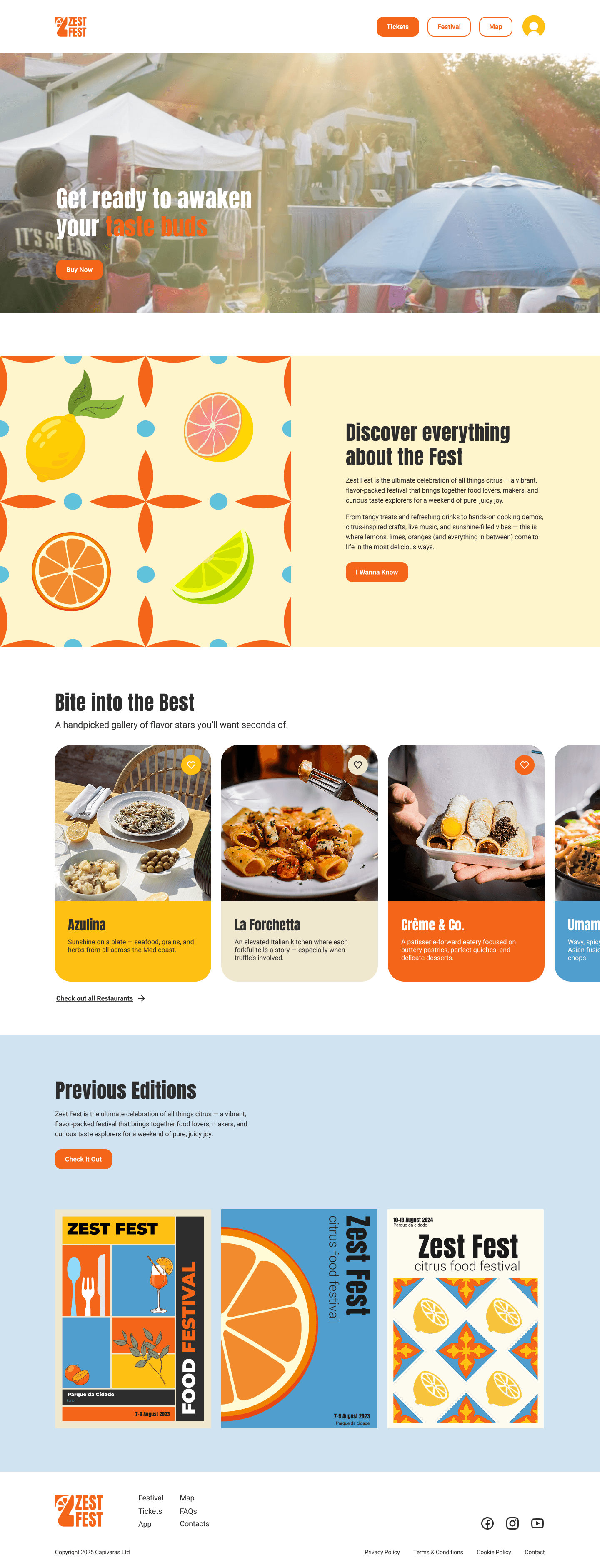
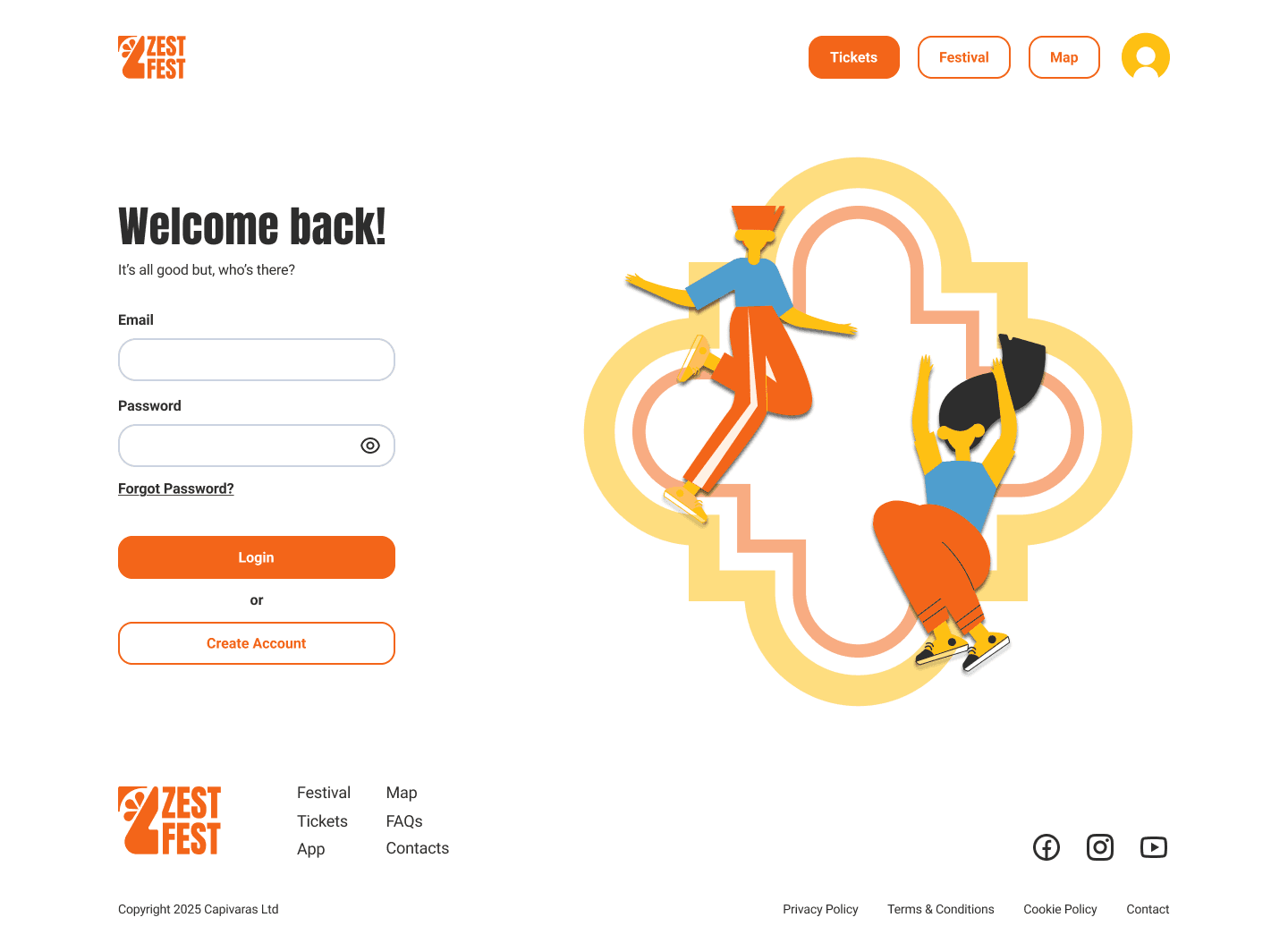
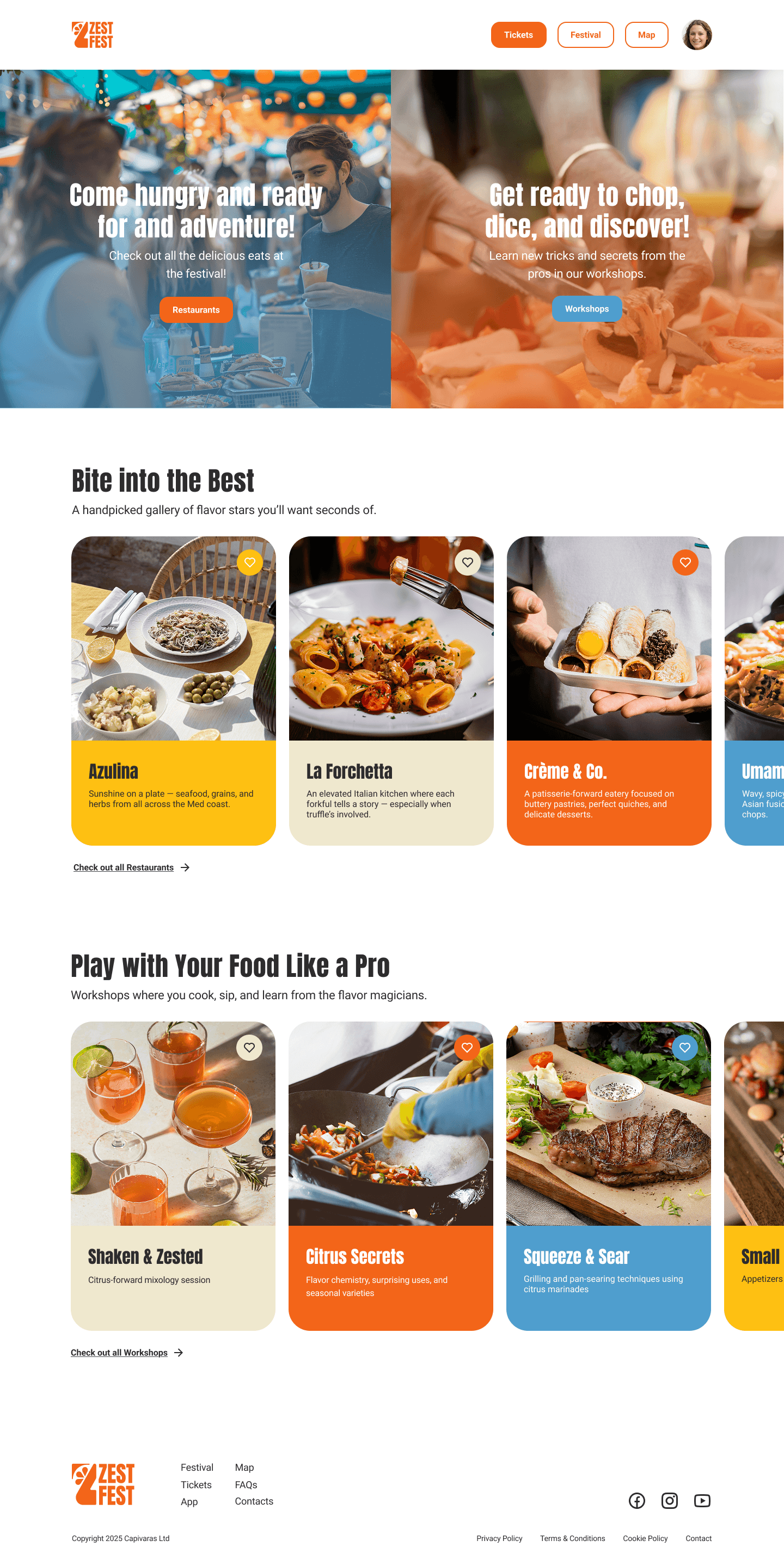
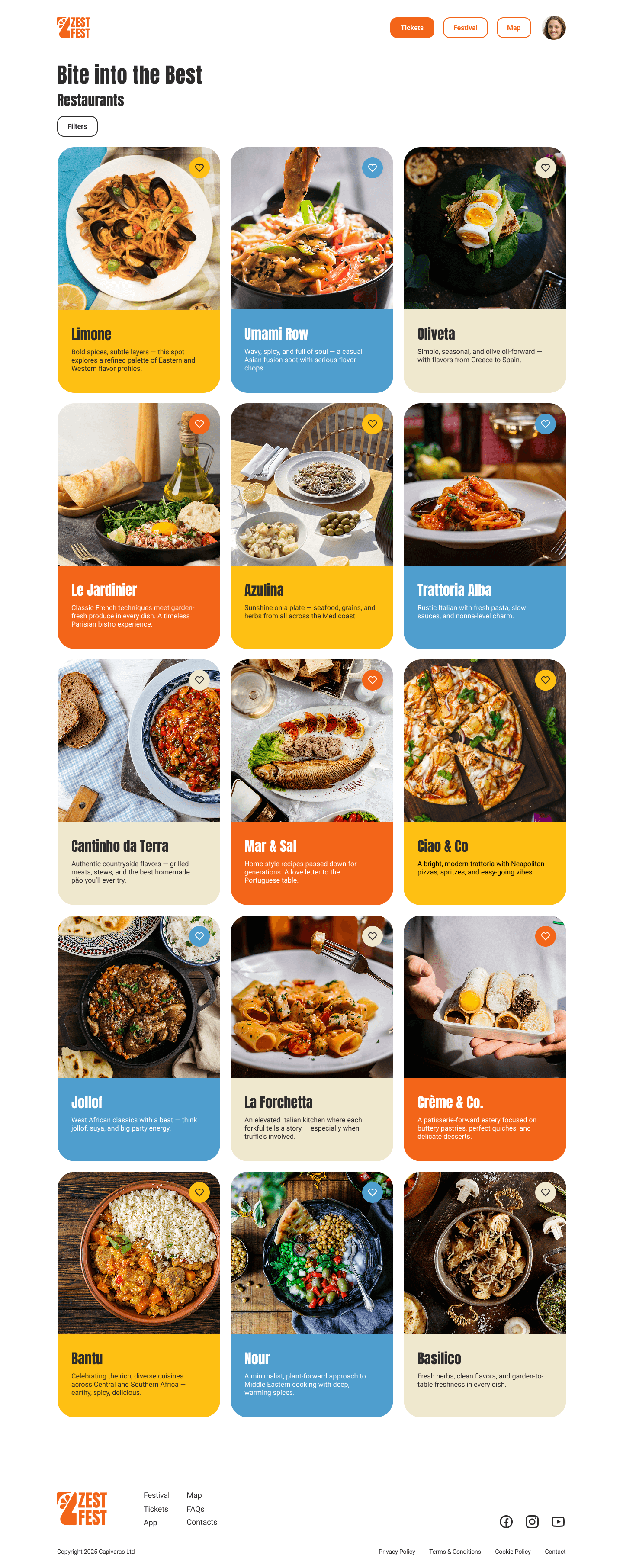
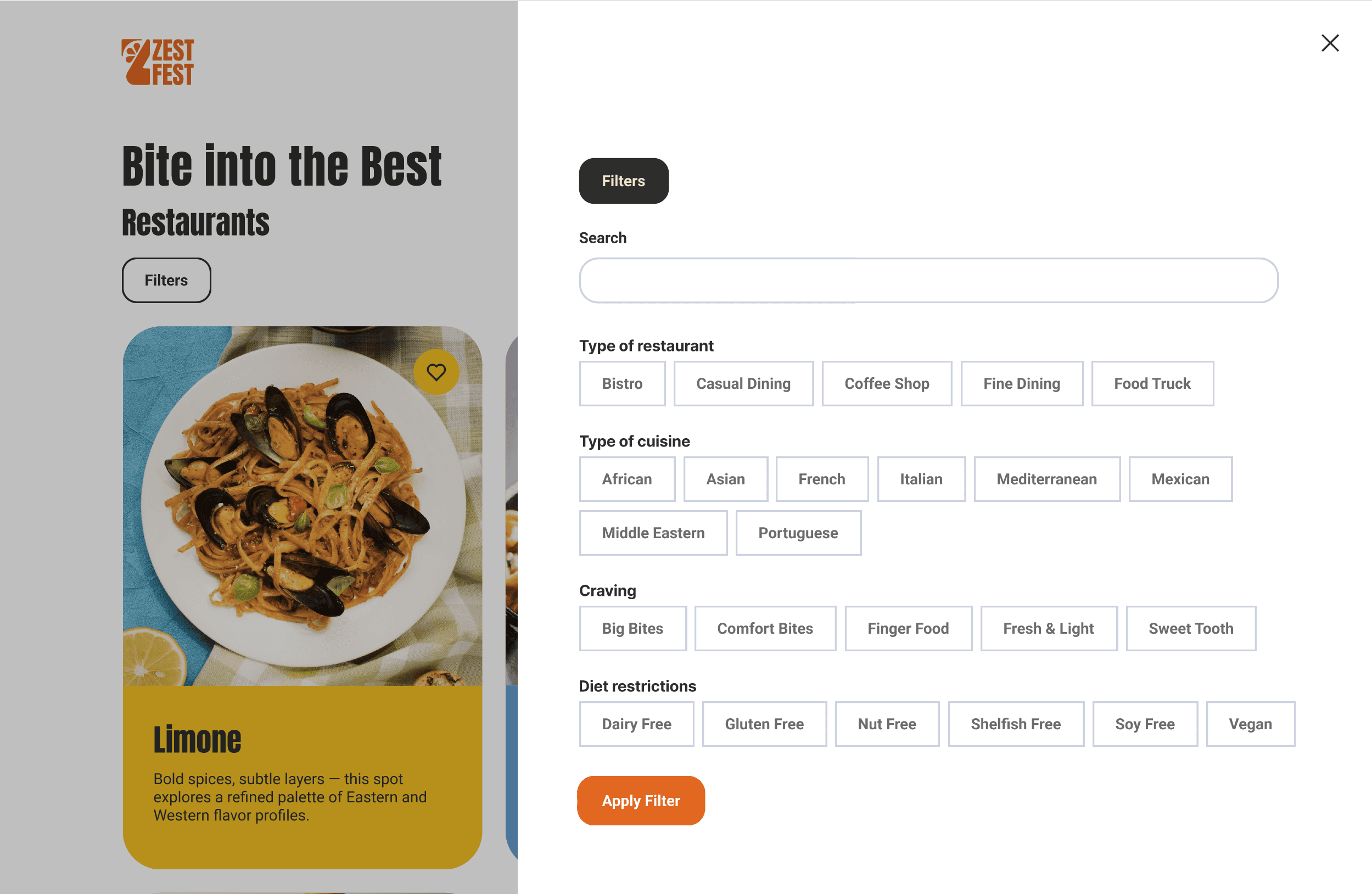
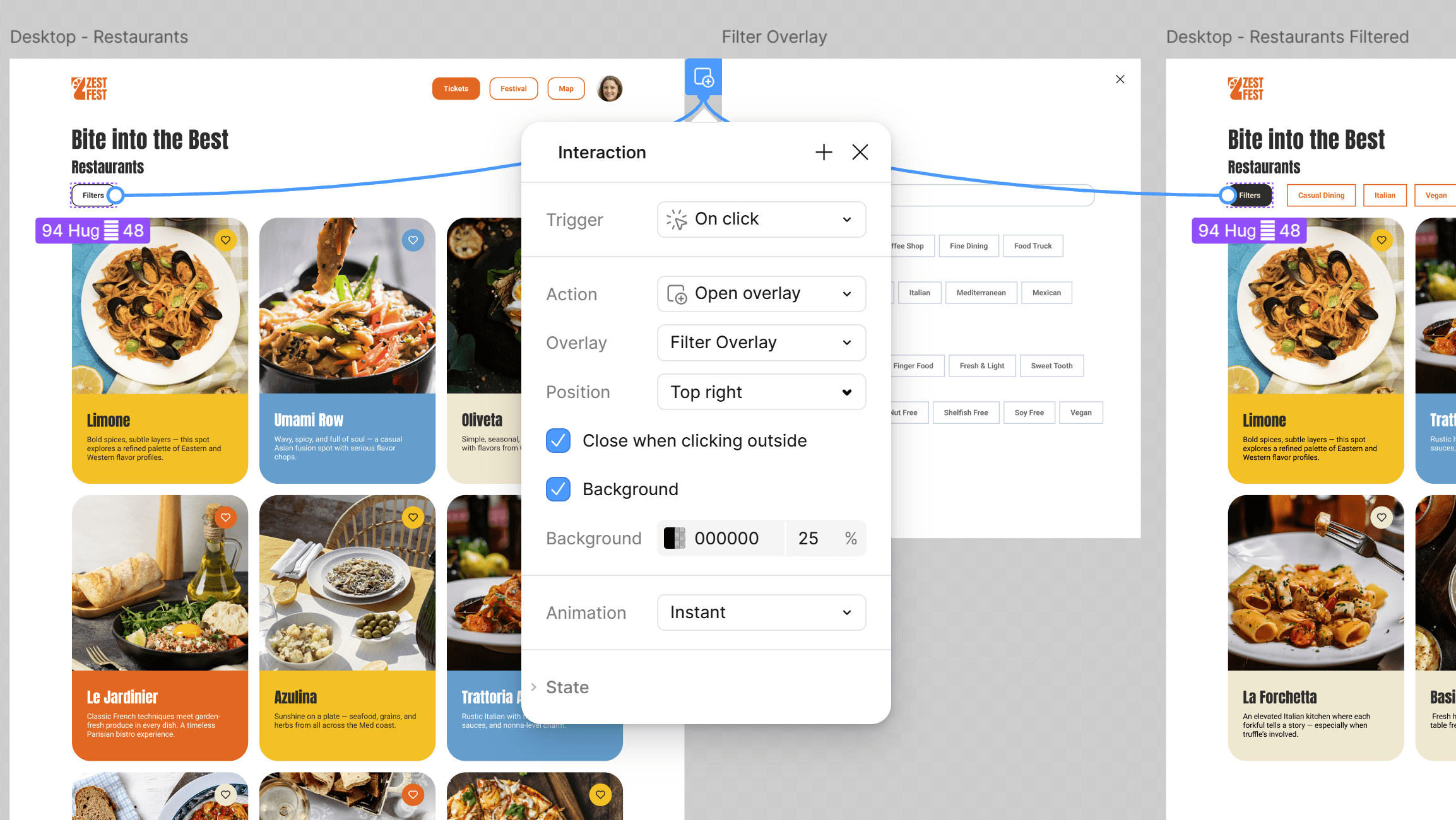
[02] Desktop - Restaurant Page Filters: Home > Login > Home (logged in) > Festival (I wanna know) > Restaurants > Filters > Restaurants page (with applied filters)
[Final Prototype]
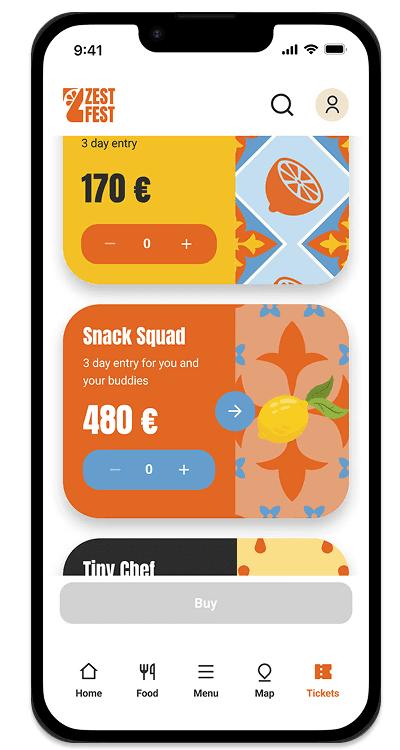
01
Exploration
→ Buttom state: disabled, because no ticket is selected
→ Menu: Ticket page highlighted
02
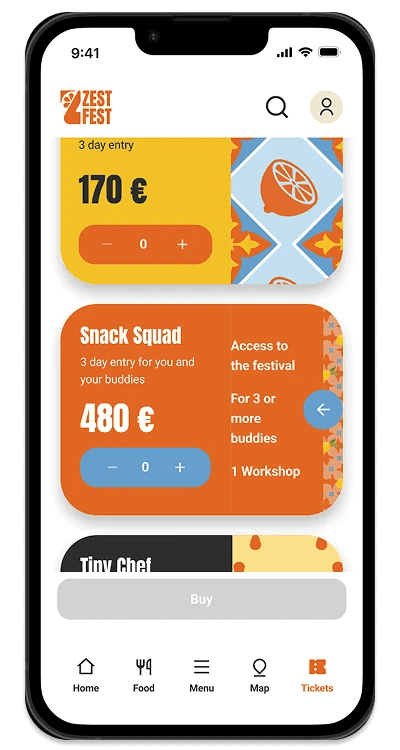
Navigation
→ Account icon: indicates that the user has stilll not created an account
→ Open card: component variation
03
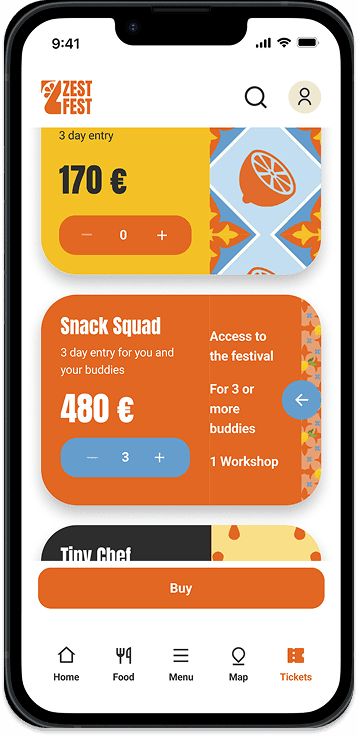
Feedback
→ Buttom state: enabled, because the user added a ticket number
04
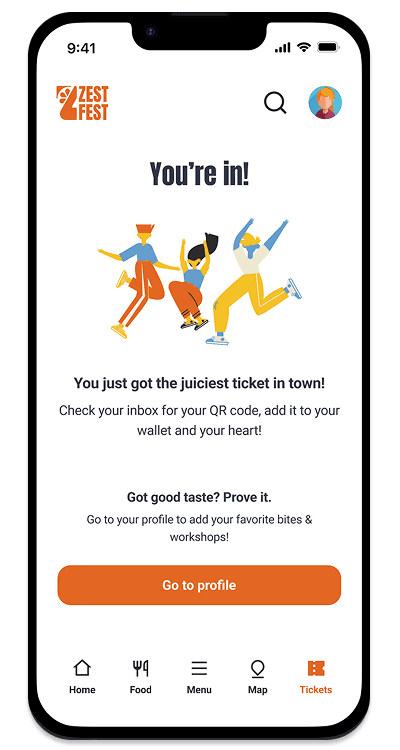
Feedback
After going through the ticket buying process, the user is asked to create an account to finalise the process.
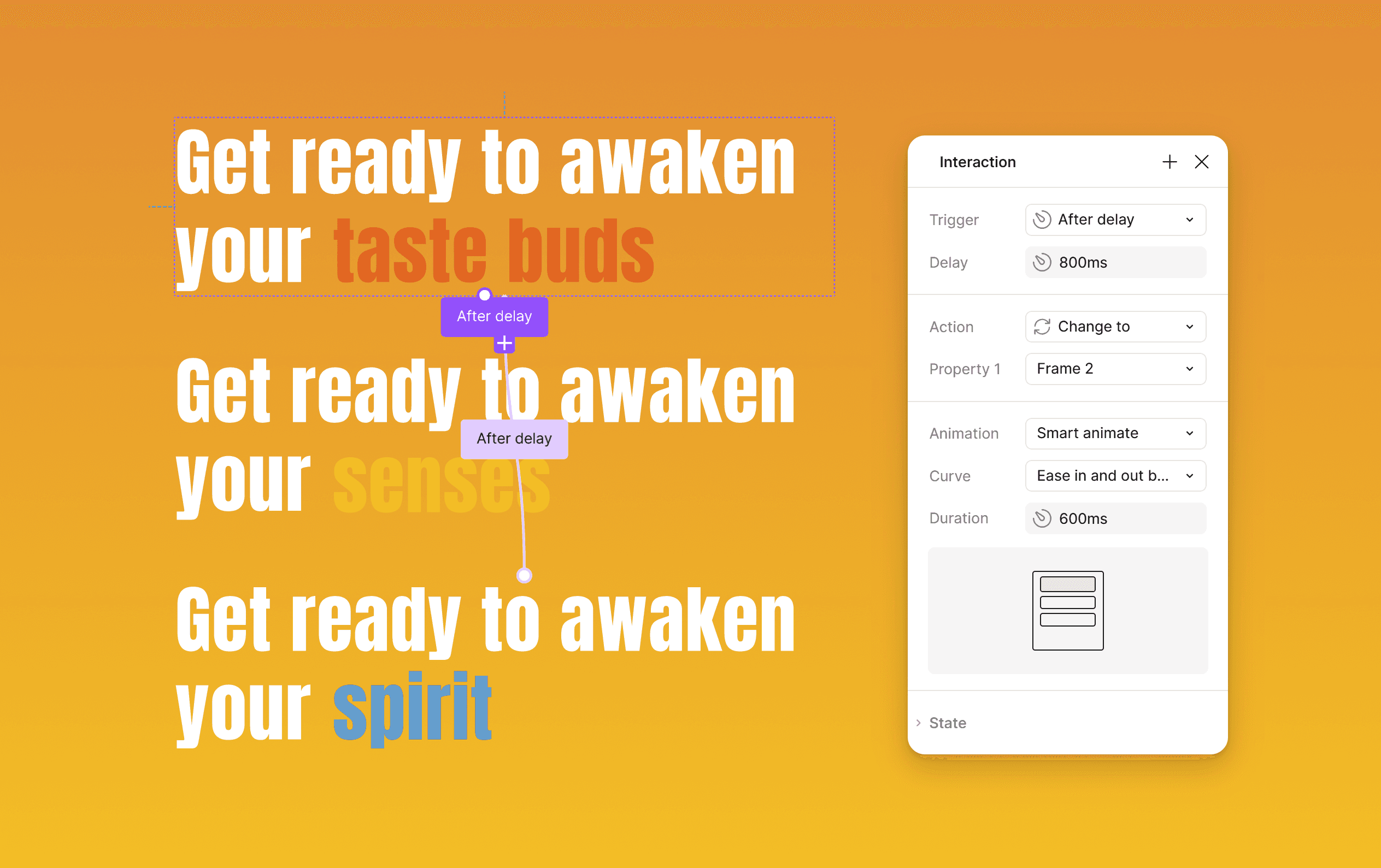
Interaction: Website tagline component text animation
Interaction: Filter Overlay when clicking on 'Filters'
[Features]
[Outcome]
Frictionless and secure ticket purchase flow.
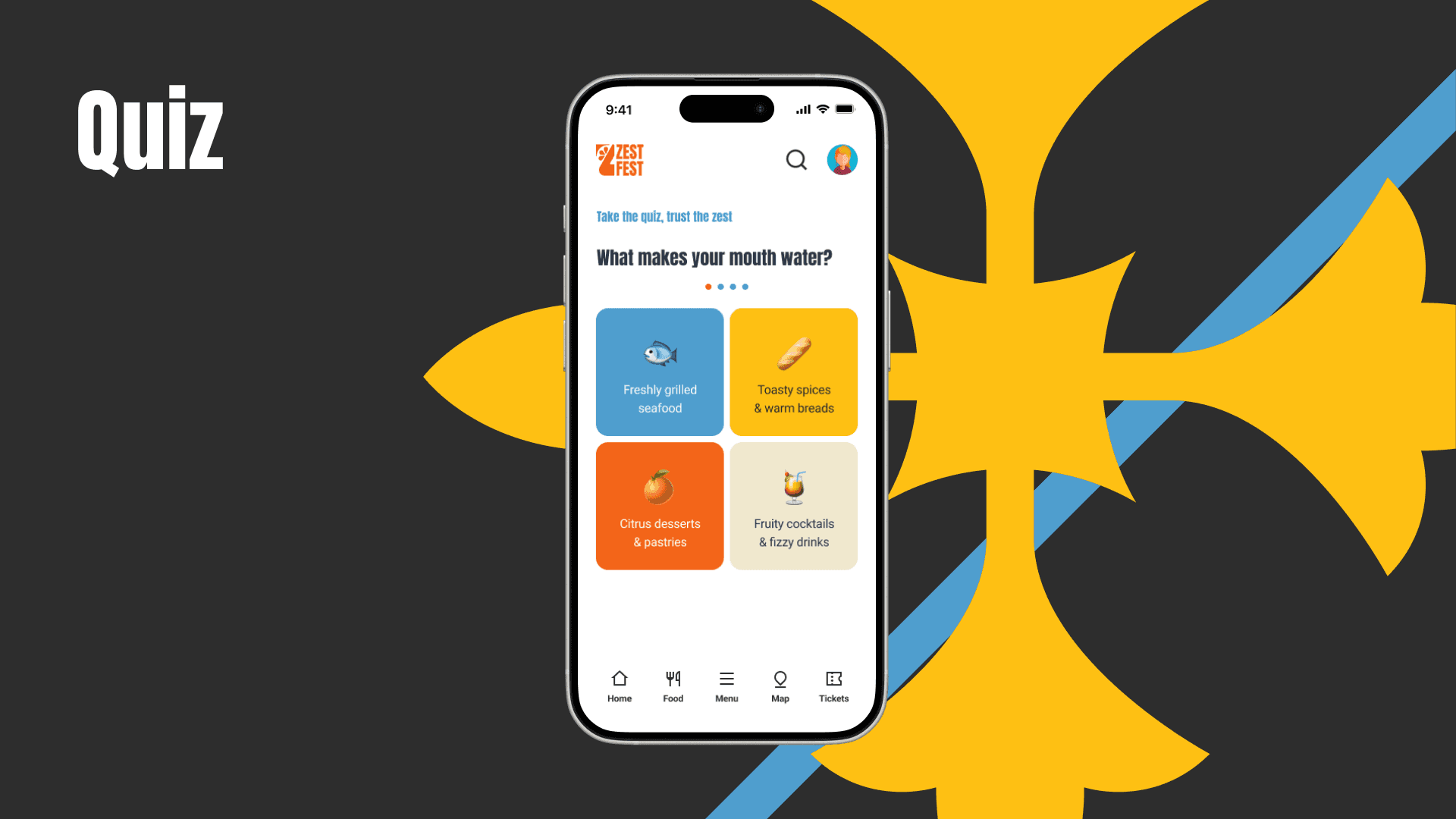
Personalized user experience: A fun quiz feature that provides recommendations based on individual preferences.
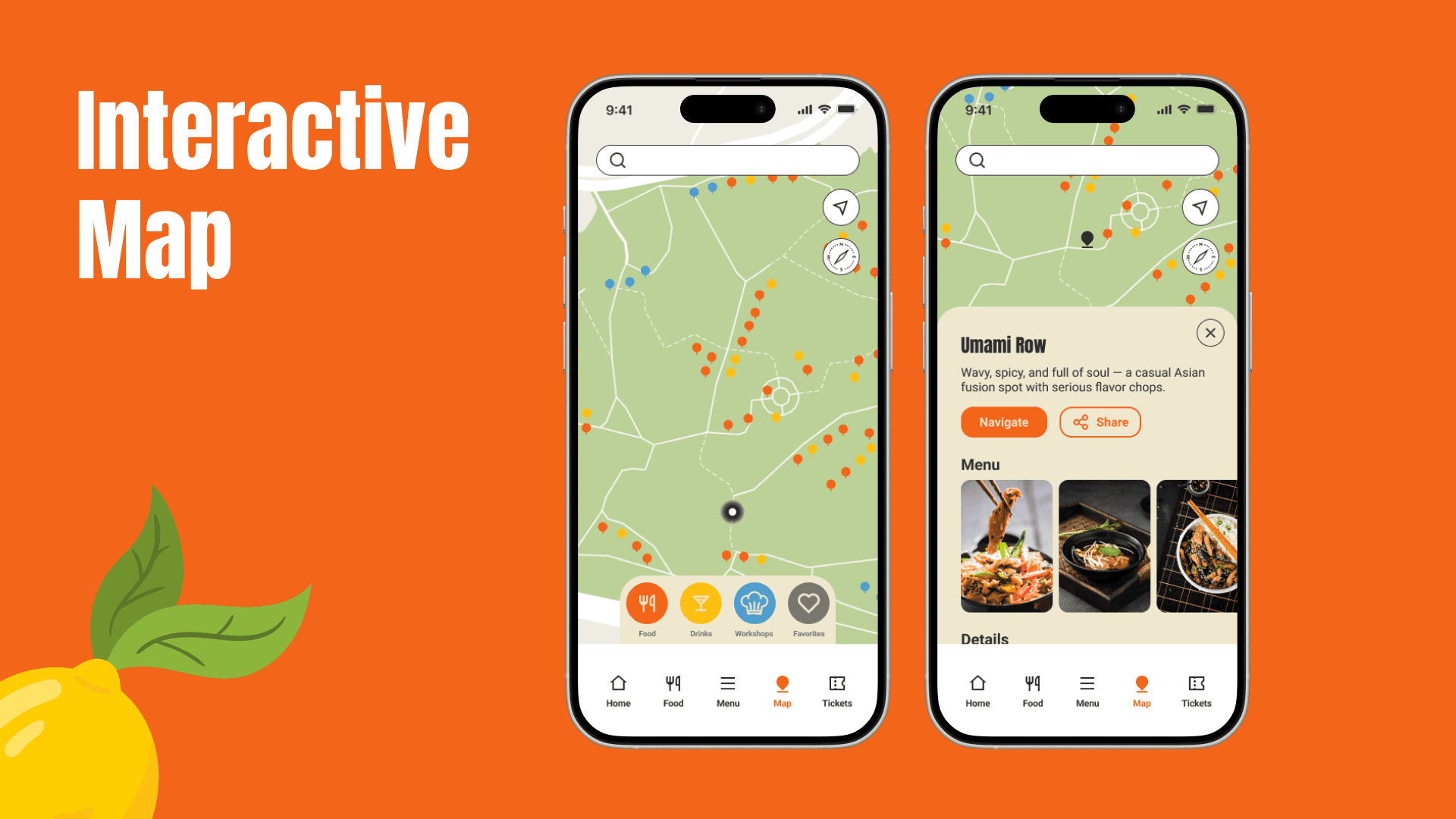
Intuitive site architecture: simplified navigation and a custom restaurant list feature to help users better prepare for the festival.
[Key Learnings]
Simplification is key
Users value a quick and easy process, especially on mobile.
Iterative testing pays off
Regular testing uncovered hidden issues and ensured the design met user needs.
Details matter
Small improvements, like error validation, color contrast refinement and a straight forward UX copy increased successful user tests.